
%207.svg)

.svg)

![How to Create Outbound Marketing Campaigns with Gameball [Guide]](https://cdn.prod.website-files.com/6909c94feb8ec80110e2e8bb/69efda1716dcbc69322e2a43_69efd9e52eaeb1d08d6f8d3c_how-to-create-outbound-marketing-campaigns-with-gameball-guide--main-image.webp)
Did you know you can use outbound marketing campaigns to create personalized experiences, increase loyalty, and grow your revenues?
Generally speaking, traditional outbound marketing may not be the best solution for many businesses.
But combining outbound marketing with personalization strategies can transform it into a strong customer engagement and retention tool.
In this article, we’ll show you how to create outbound marketing campaigns for your e-commerce business using Gameball. We’ll provide you with examples and use cases so you can visualize those campaigns and strategies and implement them easily.
What is outbound marketing?
Outbound marketing works by sending out or ‘pushing’ messages to a large number of customers to attract them towards you.
Inbound marketing and outbound marketing often confuse marketers, who are unsure which type they need.
The stage of the business, its industry, and consumer habits can dictate which marketing type to use. Some outbound marketing tactics may work for one brand but not for another. So, there’s no one size fits all.
Types of outbound marketing in e-commerce
To get a clearer picture, let’s look at how outbound marketing works in e-commerce. We mentioned that outbound means sending out messages to customers.
However, it’s important to point out that this post and the Outbound feature from Gameball, mainly involves engaging current customers. The only exception to this is the outbound messaging feature, which we’ll discuss in more detail below.
That’s why the top methods for creating outbound marketing campaigns are:
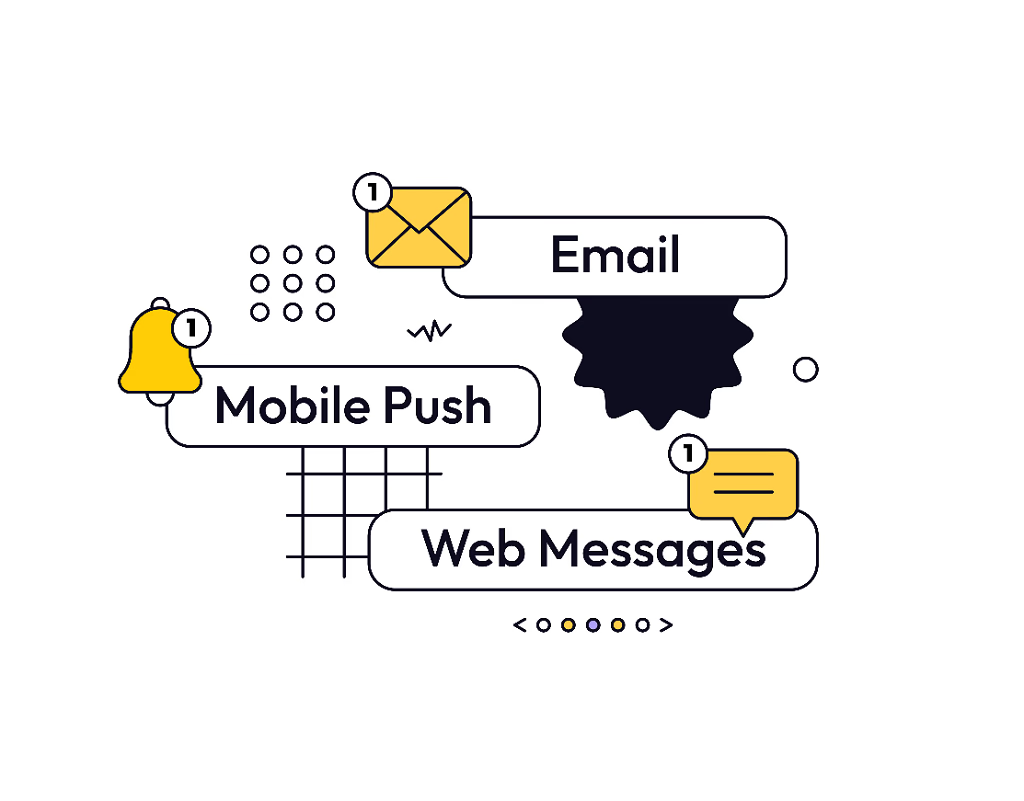
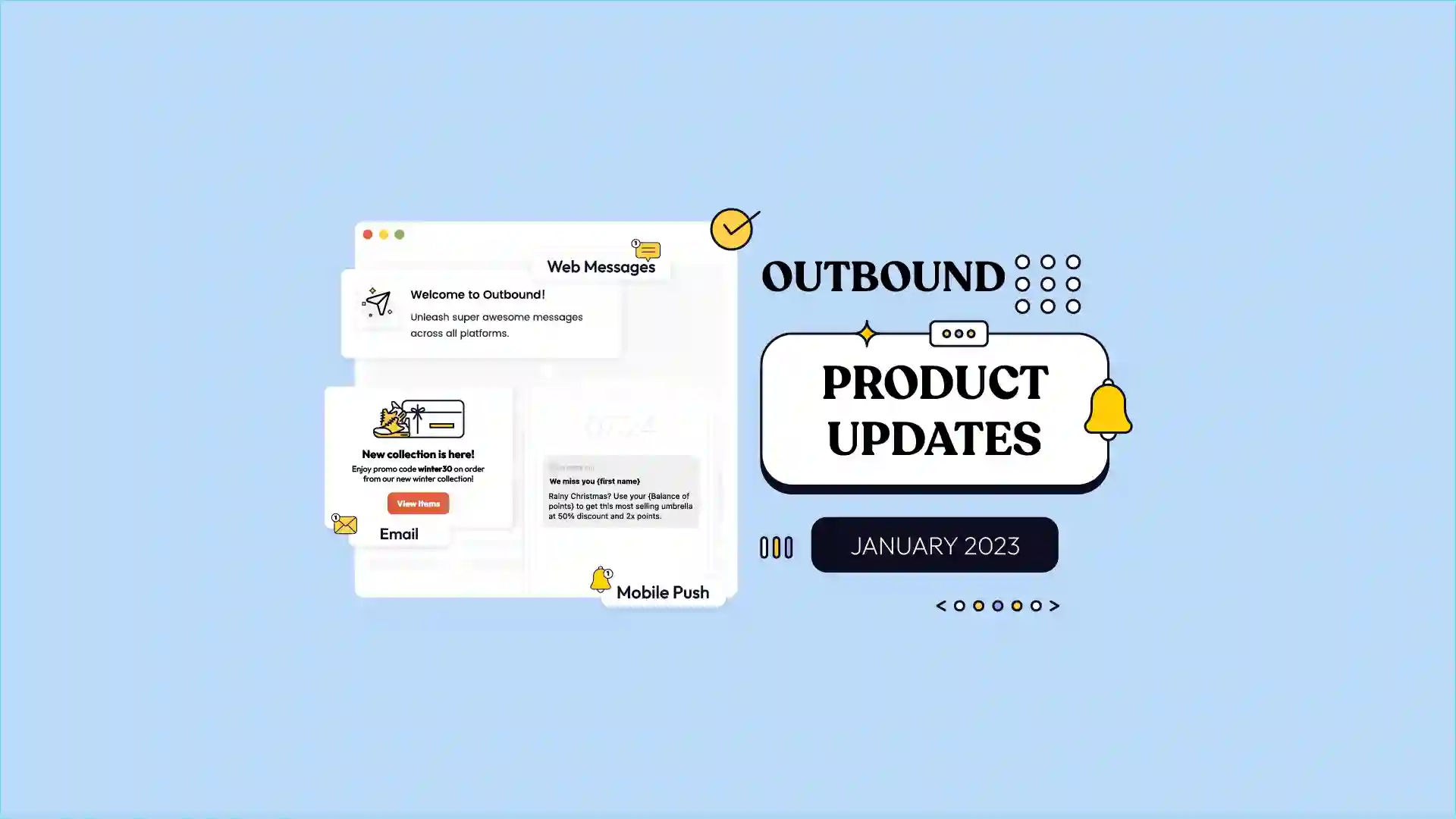
- Email marketing (there’s lots of debate about whether emails fall under inbound or outbound marketing but we won’t go there)
- Mobile push messages
- Web messages
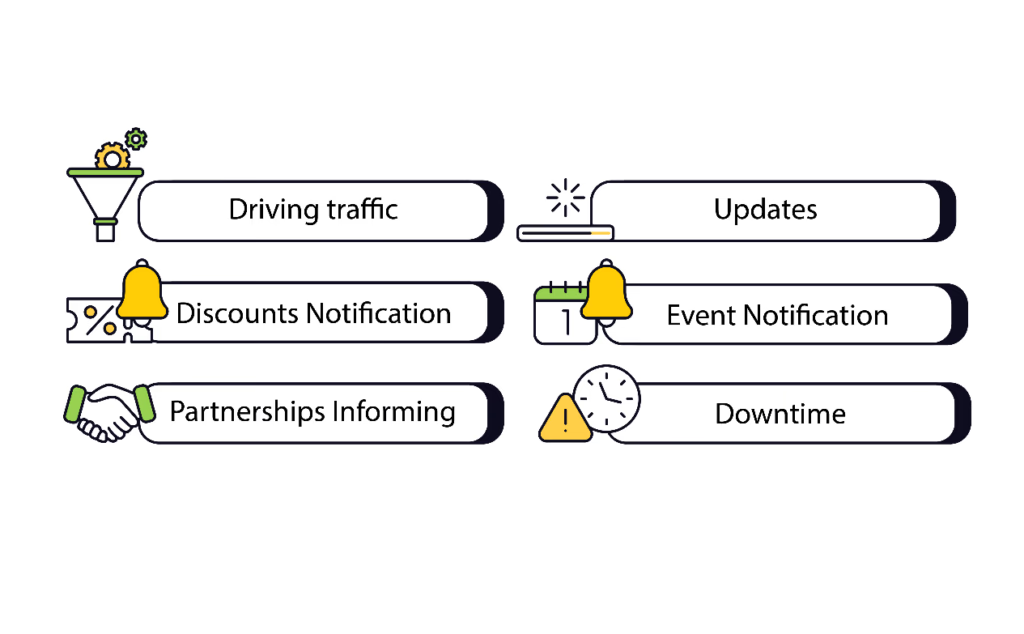
These types of outbound messages can serve one or more of the following goals:
- Driving traffic to your site
- Communicating important updates
- Notifying customers of limited-time discounts and vouchers
- Notifying customers of upcoming sales and special events
- Informing customers of new partnerships
- Informing customers of downtime (like website maintenance)
Your business is your brand. This means having consistent messaging you use with customers across your platforms, including your loyalty and rewards program.
These messages can have different goals or targets, which will dictate which messaging method you’ll use.
For example, mobile push messages are better when you want to generate instant or short-term actions from your customers. Like if you want to run a 3-hour discount on a certain product line. The best option would be mobile push messages.
However, if you don’t have a mobile app, then your second-best option would be web messages and email. To see which is more effective, you’ll have to run campaigns on both and see which drives faster results.
How to use email marketing for outbound sales in e-commerce
Now it’s time to see what outbound marketing campaigns look like. We’ll show you how to create or replicate the following outbound marketing examples using Gameball.
The first outbound marketing campaign uses email marketing. For this, you don’t need to have email marketing software. You can use Gameball directly to create emails and send them to your customers.
Outbound email marketing campaign best practices
First, let’s clarify the best practices for outbound emails using Gameball:
1) Determine the goal of your outbound email campaign
This means answering the question ‘What do you want customers to do when they open your email?’
Do you want customers to use a certain promo code? View a product or new collection? Refer customers?
2) Use at least 2 to 3 criteria to segment customers
If you have a small customer base, then limit yourself to two criteria.
Segmentation not only includes the basics like customer demographics, geographical location, interests, and psychographics, but also various player or customer attributes.
You can segment customers based on:
- how much they spend per month or per week in your store (Ex: Customers who spend at least $300 a month)
- number of orders made
- their tier or level in your rewards program
- how many friends they’ve referred
You can even create your own criteria!
3) Add triggers to automate emails sent to customers
Triggers are when an email or email sequence starts. For example, a trigger can be when a customer reaches a certain level in your rewards program.
Once they reach that level, they get an automated email with a limited-time number of points (as a reward) and that they have only five days to use those points.
Email triggers can be:
- Recurring
- One-time
- Action-based (Ex: Adding a product to a cart, visiting a certain collection…etc.)
4) Review outbound email marketing reports
Like any email marketing tool, Gameball provides you with email marketing reports indicating the number of email opens, clicks, click-through-rate (CTR), and more.
Review your email campaign data to see if your campaign was successful or not. Then, decide if you need to change the next campaign or not.
Outbound email marketing campaign examples
Now, let’s put those best practices into—well—practice 😊. Here are a few ways you can use email in your outbound marketing strategy or efforts.
1) Upcoming sales announcements
Use automated email sequences to inform customers of upcoming discounts or special offers.
However, we do not recommend using email with short-notice discounts. For example, if you want to run a 3-hour 10% off on detergents, you’re better off using mobile push messages than email marketing.
Alternatively, you can use email to notify customers of the upcoming 3-hour sale a few days beforehand. However, this means customers will hold off buying detergents until the 3-hour time frame arrives.
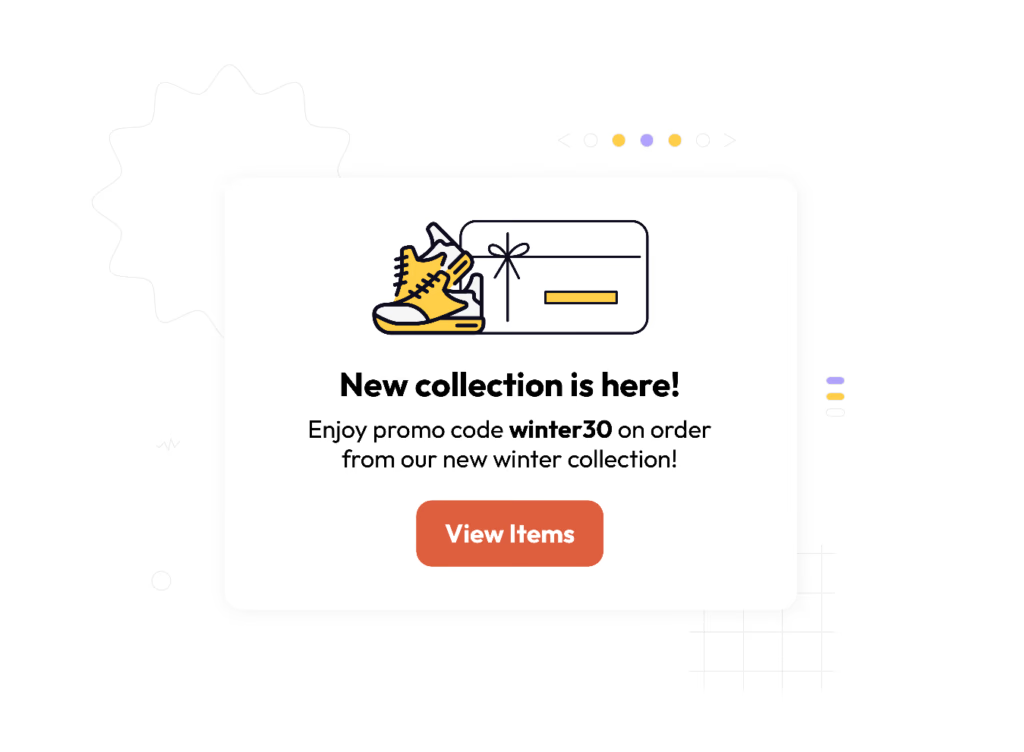
2) New product lines
Use email to inform customers of new product lines or new products. This will give you the opportunity to include one or more designs to entice customers to click and explore.
3) New partnerships
If your brand runs partnerships with other brands in your area or is taking part in a special event or bazaar, you can use email marketing to inform customers about those partnerships.
Here, email will act as an opportunity for customers to go back to the event. You can add an option for customers to save the date to their Google or online calendar.
4) Ask for reviews
One of your essential outbound email campaigns should be to ask customers to review products they bought from you.
You can easily create a series of automated emails to be delivered to customers one or two days after they receive an order.
You can also include one or more triggers before these emails are sent. You don’t want your customers’ inboxes overflowing with emails.
Triggers can include sending the email
- After a customer completes three purchases
- After a customer buys five or more products
- Three days after a customer checks out
Just be sure not to send the email out too early. Otherwise, you risk the email losing its impact, having few reviews, and a very low click-through-rate.
You can ask for customer reviews via email or mobile push messages or both. But be sure not to overdo it with the messages.
Bonus tip: Offer customers special points for every review they leave. Depending on your loyalty points system, you can reward customers with 20 or 50 points per review or create a challenge and reward them with points and badge when they complete 5 reviews.
How to use mobile push messages
Mobile push messages are becoming widely popular among e-commerce businesses. Especially as more brands launch mobile apps to increase customer engagement and add more reward opportunities.
Let’s look at the best practices associated with mobile push messages. Then, we’ll look at a few examples of how to use these messages in your online store.
Best practices for outbound mobile push messaging campaigns
1) Keep it short
You have limited space in your mobile push message. So make sure you don’t exceed the character count.
2) Include links when relevant
If you want to send customers to a certain page or collection in your mobile app or website, then use a link. Use a shortened link for space and better tracking.
3) Make it meaningful
Customers get tons of messages on their screen. Make sure yours serve a purpose and aren’t too frequent.
Outbound mobile push messaging examples in e-commerce
1) Cart abandonment messages
Your customer has added products to their cart. But they left. Maybe, something came up on their end. Maybe, they’re waiting to reach the minimum value to qualify for free shipping. Maybe, they’re not even sure if these are all the products they want.
The result is the same. You have an abandoned cart. Or several.
You can use mobile push messages to remind customers of their abandoned cart.
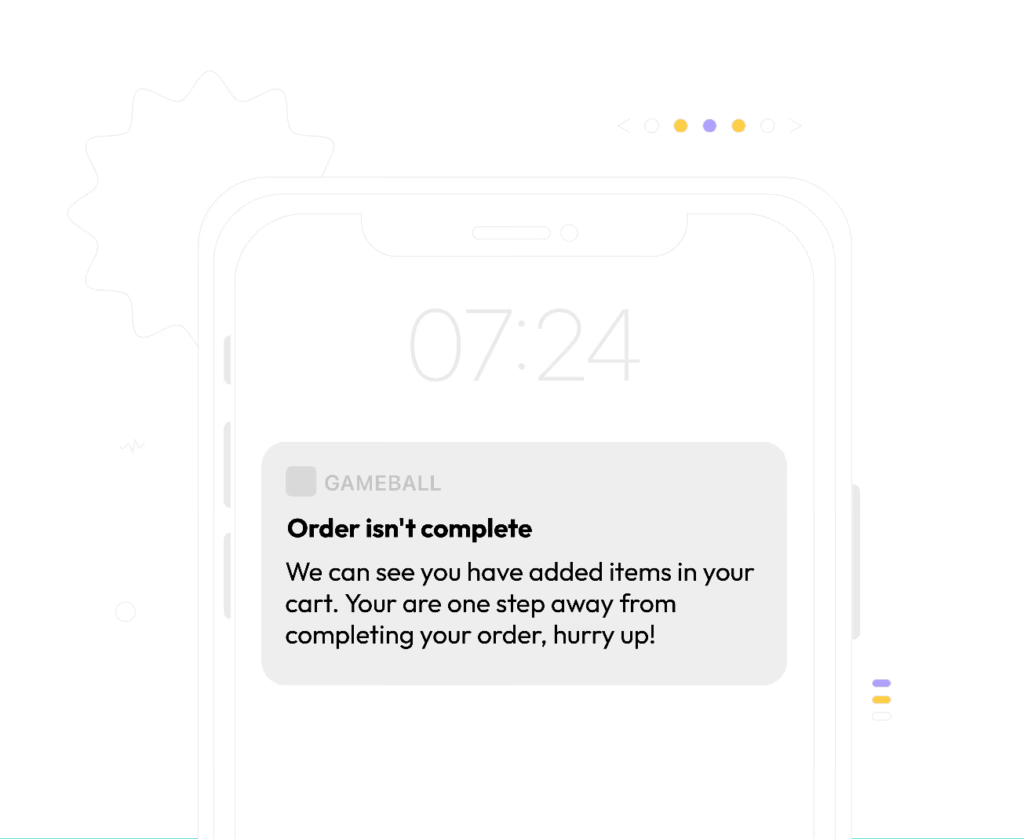
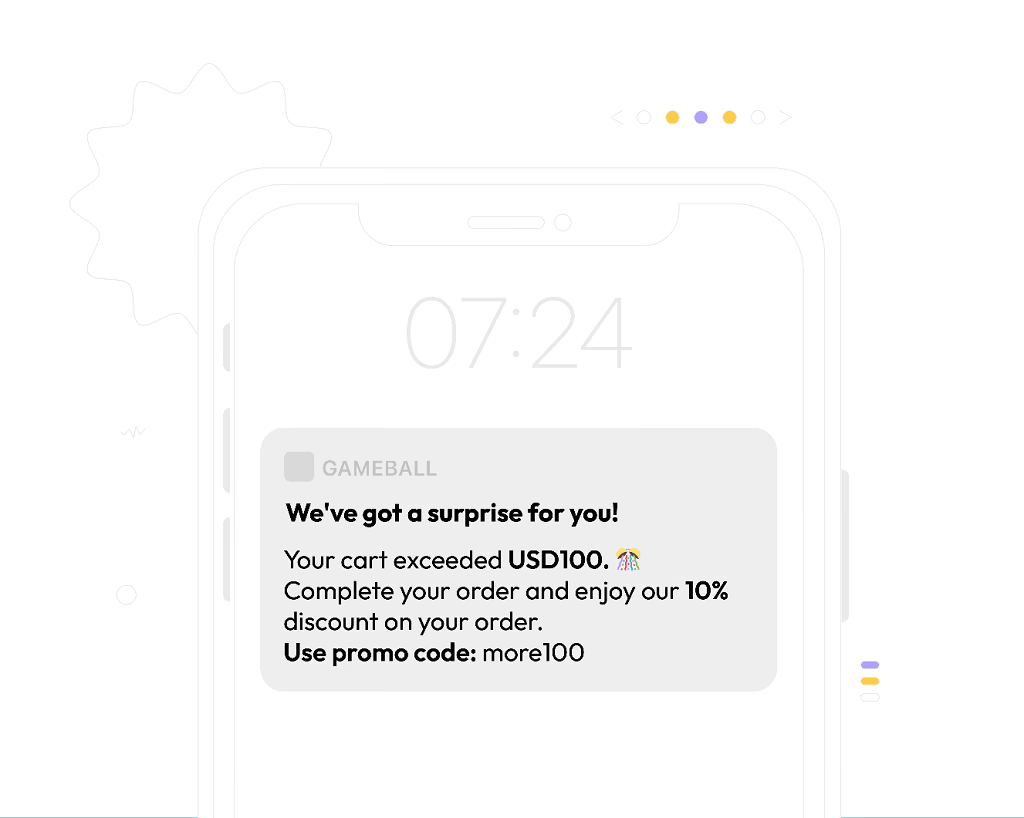
You can use Gameball’s various customer segmentation features to choose which messages appear to which customers.
For example, you can offer a limited 10% discount for customers whose carts are at $100 or more.
2) Asking for referrals
Referral marketing is one of the best ways to grow your customer base without spending hundreds of dollars on marketing.
It also works great with mobile push messages because you can send customers straight to your referral program page.
From there, customers can share their referral codes with friends via WhatsApp, or any other platform or messaging app.
In this case, Gameball acts as your referral marketing automation software, helping you create and manage referral marketing campaigns via mobile push messages, email, and web-based messages.
How to use web messages
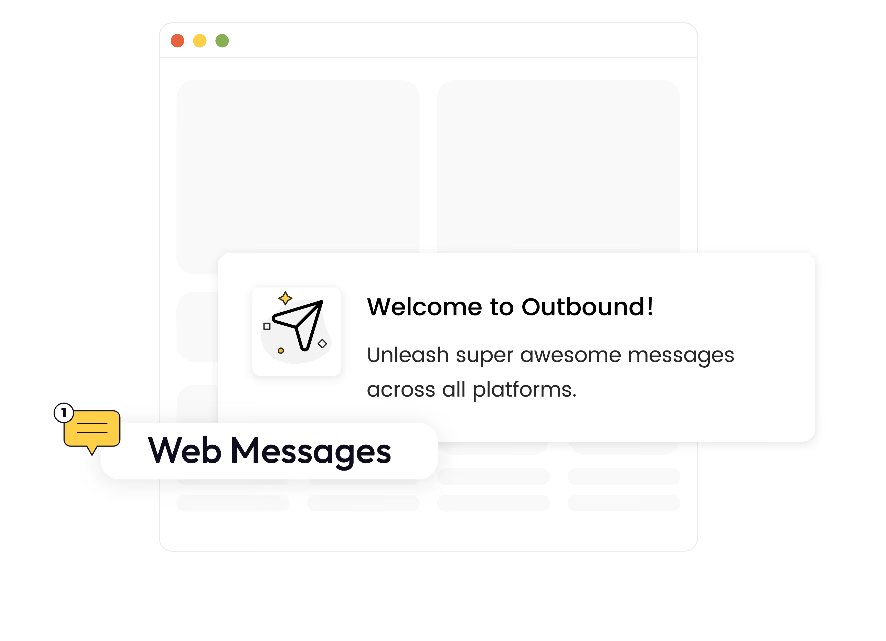
Web messages are like pop-ups. Unlike email marketing and mobile push messages, web messages serve two purposes:
- You can use them to communicate with guests, those who haven’t registered to your website.
- You can communicate with current customers via your website.
Best practices for using web messages in e-commerce
- Automate your messaging campaigns
Use Gameball to automate your email, mobile, and web messages to be sent out to customers on certain dates or at specific hours during the day. Use a call-to-action when possible.
- Segment customers
Use Gameball’s customer segmentation features to segment customers based on spending, buying habits, buying frequency, location, even loyalty, among other criteria.
This will help you create more effective e-commerce marketing campaigns.
- Create triggered messages
Use action triggers to decide when customers get their messages.
Examples of outbound web messaging in e-commerce
Here are a few ways to use web messaging. These examples serve different purposes.
1) Invite customers to sign up to your rewards program
Unlike the other two messaging features, web messaging lets you invite customers to register to your website and rewards program.
When customers who are-not-signed-in access your website, they get a message informing them of your loyalty program.
For this messaging option, we recommend including a special first-time discount like a 15% off their first purchase. Use a special signup promo code to track sign-ups.
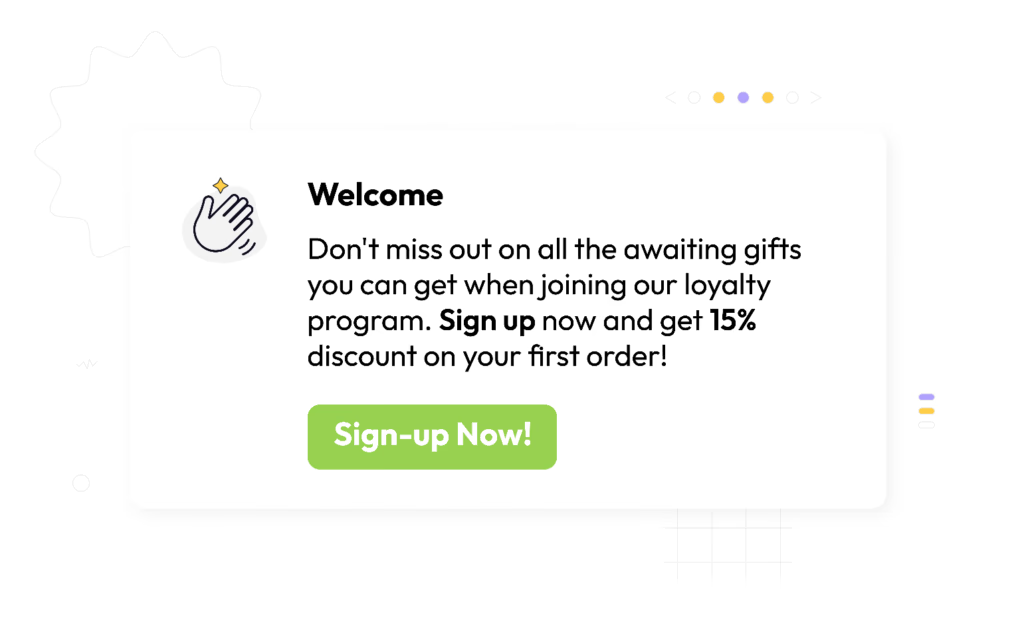
Many global brands who boast stellar, super-successful loyalty programs, do this. The Body Shop and UK-based Charlotte Tilbury are among the top beauty loyalty programs with a first-time subscriber reward.
2) Asking for reviews
You can ask for reviews across the three types of outbound marketing messages offered by Gameball. But each messaging type affects how and when you ask for those reviews.
With web messaging, you can ask for reviews after a customer purchases a product and revisits the product page.
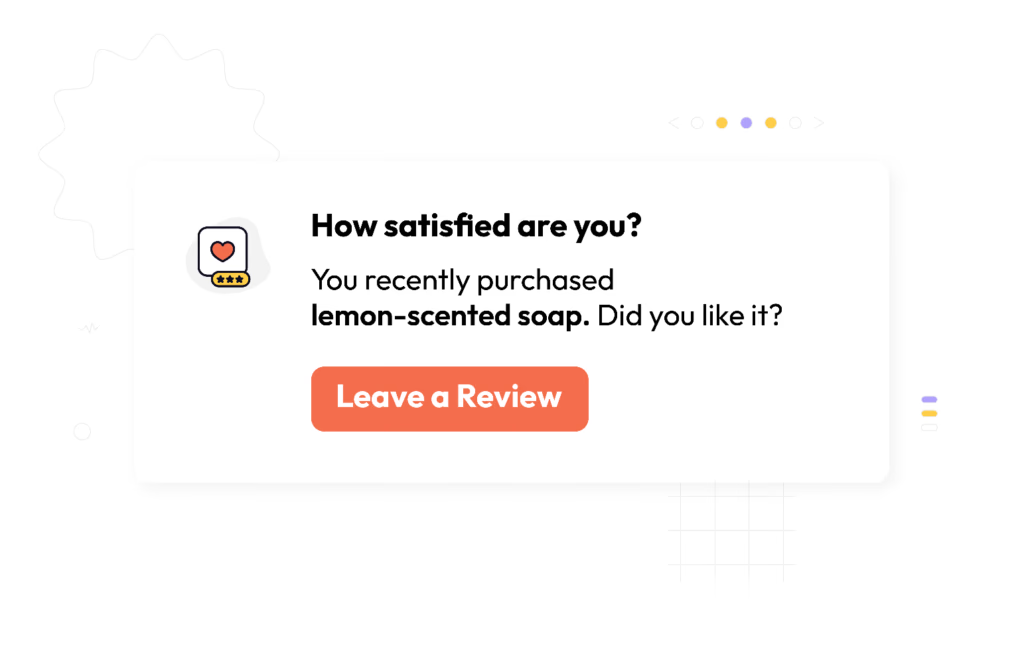
Many customers may just close the message and skip writing a review – even if they liked the product.
That’s why, with reviews, we highly recommend giving customers an extra incentive. That’s rewarding them with points for a review—or a number of reviews—they leave.
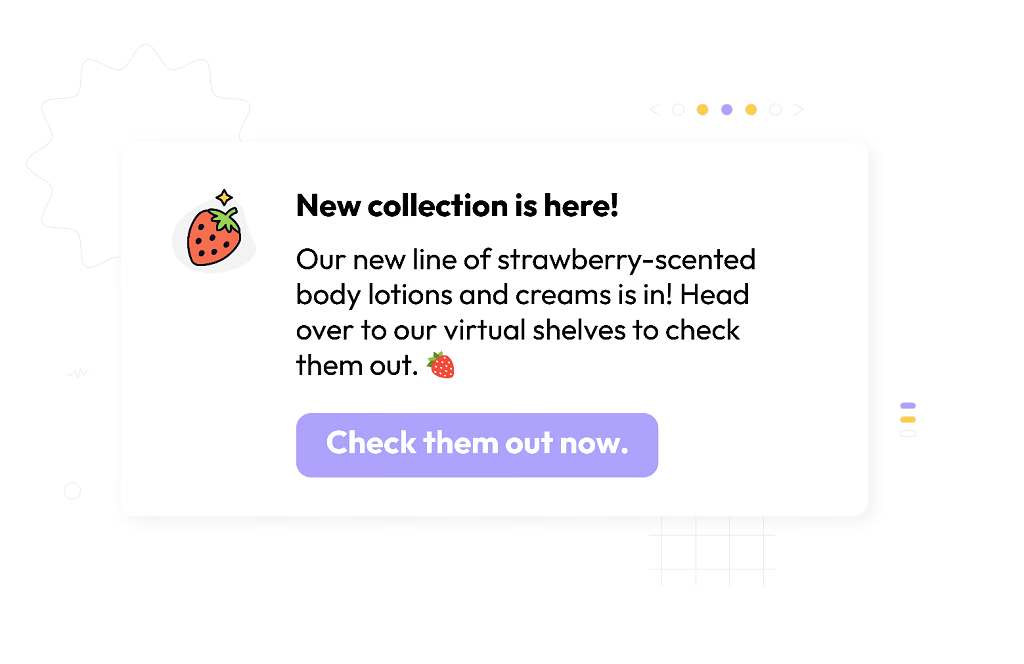
3) Notify customers about new lines
Web messages are great for notifying customers about new products. Use links to drive customers to those new products or pages.
Here’s an example
Final words
As an e-commerce business, you want to ensure that all your marketing messages are aligned.
Whether you’re offering an omnichannel customer experience, using your website, email, and mobile app, or combining all those marketing platforms, your messaging should be clear and aligned across your channels.
Visit the Gameball Help Center to learn how to set up the different outbound messages.
If you haven’t launched your loyalty program yet, sign up to Gameball and create experiences your customers will never forget.
For Shopify store owners, you can get Gameball from the Shopify app store.
.svg)
.svg)
.svg)

Ready to level up your game?
Create your first campaign and start seeing results in 30 days.
Ready to grow?
Get in touch with our sales team today.
The loyalty vendor checklist your CTO
will thank you for
Discover engineering challenges, essentials, and more from global brands.
.avif)
Nada Sobhi
Content Writer
Stay ahead on retention
Subscribe to our newsletter and get all the latest updates as we post.

Ready to level up your game?
Create your first campaign and start seeing results in 30 days.
Read related articles
%2520(1).avif)


Ready to level up your customer loyalty?
Level up your customer loyalty!


.avif)
.avif)
.avif)
.avif)